
Quick Start
For the complete installation guide see Install Kubernetes Multi-cluster Management Platform - Kuboard v4.
Prerequisites:
- docker engine
- amd64 or arm64 CPU
Steps:
Create a local directory
kuboard-v4Create a file
docker-compose.yamlinside it:yamlconfigs: create_db_sql: content: | CREATE DATABASE kuboard DEFAULT CHARACTER SET = 'utf8mb4' DEFAULT COLLATE = 'utf8mb4_unicode_ci'; create user 'kuboard'@'%' identified by 'kuboardpwd'; grant all privileges on kuboard.* to 'kuboard'@'%'; FLUSH PRIVILEGES; services: db: image: swr.cn-east-2.myhuaweicloud.com/kuboard/mariadb:11.3.2-jammy # image: mariadb:11.3.2-jammy # swr.cn-east-2.myhuaweicloud.com/kuboard/mariadb:11.3.2-jammy is identical to mariadb:11.3.2-jammy environment: MARIADB_ROOT_PASSWORD: kuboardpwd MYSQL_ROOT_PASSWORD: kuboardpwd TZ: Asia/Shanghai volumes: - ./kuboard-mariadb-data:/var/lib/mysql:Z configs: - source: create_db_sql target: /docker-entrypoint-initdb.d/create_db.sql mode: 0777 networks: kuboard_v4_dev: aliases: - db kuboard: image: swr.cn-east-2.myhuaweicloud.com/kuboard/kuboard:v4 # image: eipwork/kuboard:v4 environment: - DB_DRIVER=org.mariadb.jdbc.Driver - DB_URL=jdbc:mariadb://db:3306/kuboard?serverTimezone=Asia/Shanghai - DB_USERNAME=kuboard - DB_PASSWORD=kuboardpwd ports: - "8000:80" volumes: - ./kuboard-log:/app/logs:Z depends_on: - db networks: kuboard_v4_dev: aliases: - kuboard networks: kuboard_v4_dev: driver: bridgeRun the following command in the
kuboard-v4directory:shdocker compose up -dOpen Kuboard in a browser, e.g.:
http://localhost:8000/loginThe login page looks like this:
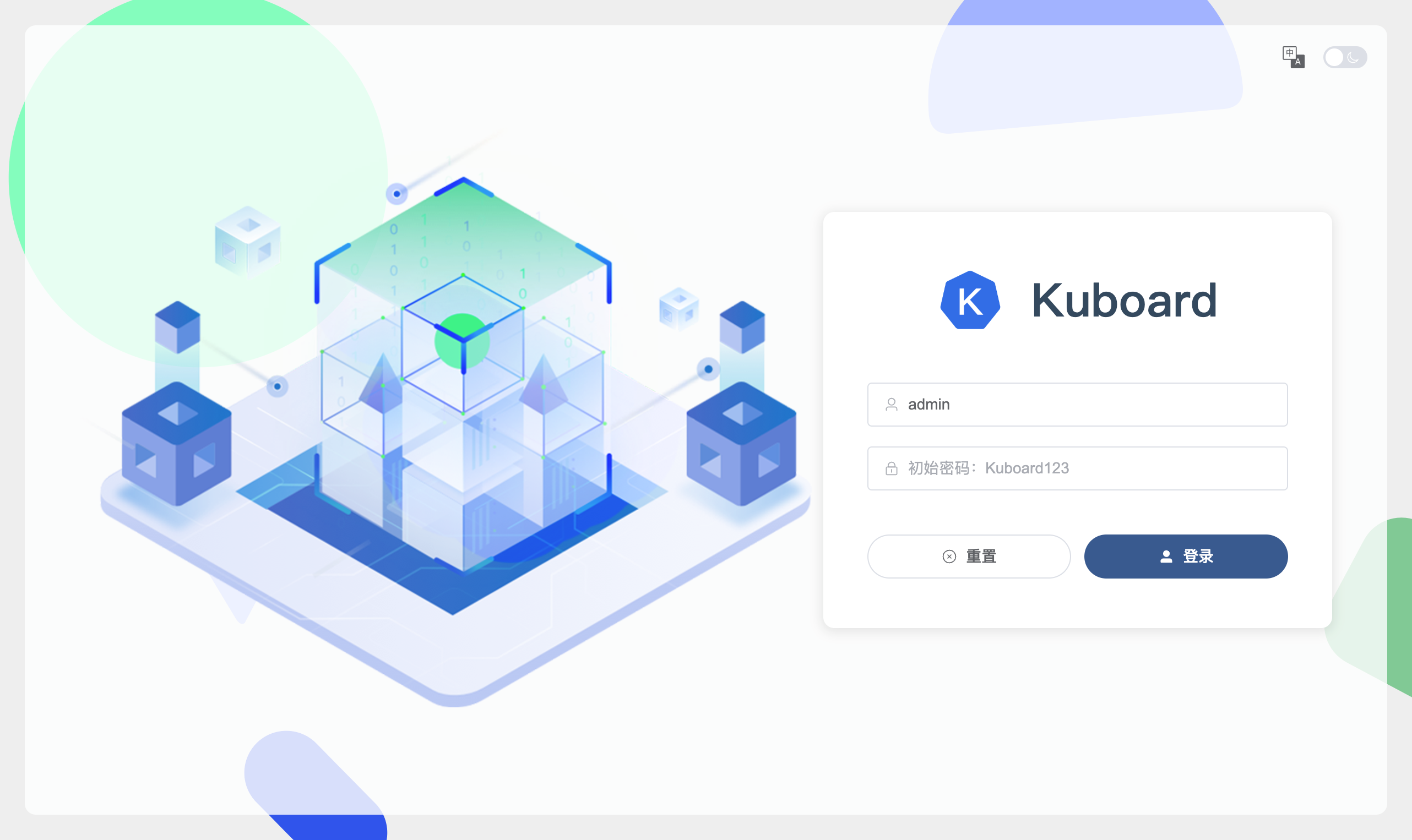
Log in:
- Administrator:
admin - Default password:
Kuboard123
You have finished installing Kuboard v4. Next, use the UI to:
- Change the
adminpassword - Create users and grant authorizations
- Import your Kubernetes cluster
- Administrator:
Integrate an External User Repository
Kuboard v4 integrates with external user repositories (e.g. LDAP) through a webhook interface. See https://github.com/eip-work/kuboard-v4-ldap-example
Ports
The official Kuboard image exposes only one permanent entry port for the browser: the front-end, the API, and Swagger all come in through the same port. There is no need to access 9090 / 9091 separately.
| Deployment | Browser access | Port mapping |
|---|---|---|
| Docker Compose example | http://<server-ip>:8000 | Host 8000 → container 80 |
| Kubernetes (NodePort example) | http://<node-ip>:30080 | Service 30080 → container 80 |
| docker run -p | http://<server-ip>:<your mapped port> | Any host port → container 80 |
| High availability (nginx load balancer) | http://<server-ip>:9001 | Host 9001 → nginx 80 → replicas 80 |
| Helm / Ingress | Determined by the Ingress domain | Points to the Service's 80 |
Apart from the browser entry port, all other ports are either process-internal or optional management ports; none of them needs to be exposed to the host in the official orchestration examples.
| Port | Purpose | When it is used |
|---|---|---|
80 | Browser access entry (front-end pages + API + Swagger) | Production deployment |
9090 | Default backend service port | Local source-code runs; overridden by 80 inside the image |
9091 | Management endpoints (health checks, etc.) | Only when you integrate monitoring |
9092 | Spring Boot Admin | Only when this feature is enabled |
8848 | Front-end local development (Vite dev server) | Not related to deployment |
The following are dependency component ports of external components such as databases / caches. Kuboard connects to them through environment variables; they do not expose any Kuboard functionality:
| Port | Component |
|---|---|
3306 | MySQL / MariaDB |
5432 | PostgreSQL / OpenGauss |
6379 | Redis (single node) |
7001–7006 | Redis cluster (HA example) |
1389 | OpenLDAP |
How to Change the Ports
Docker Compose: change only the host mapping; keep port 80 inside the container:
yamlports: - "8080:80"Kubernetes: modify the Service's
port/nodePort(targetPortstays80)Local source-code runs: set the
SERVER_PORT/SERVER_MGMT_PORTenvironment variables
Do not change port 80 inside the container
Port mapping happens at the orchestration layer: change the host port and keep port 80 inside the container.
Health checks go through 80, not 9091
The health checks in the official orchestration examples probe the main port 80; unless you integrate monitoring yourself, there is no need to expose 9091.
Related Documentation
For the full list of environment variables used during deployment, see Kuboard Environment Variables; for HTTPS / WebSocket reverse proxy configuration, see Reverse Proxy.